|
|
|
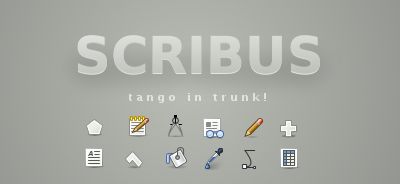
(image by Andreas Nilsson - http://ramnet.se/~nisse/blog/?p=23)
Scribus with a new look. Below are the first screenshots of Scribus using the cross platform icons from the Tango Project.
"Tango exists to help create a consistent graphical user interface experience for free and Open Source software."
Read More....
|
| submitted by KA.o web team on April 11, 2006 | |
|
|
|
|
First set up the dimensions with some guides to help in the process. For 8.5 x 11 size paper: - Create new document (8.5 x 11 inches and .5 inch margins, default unit *inches*)
- Page -> Manage guides:
- Add Horiz. Guides at 0.5, 2.5, 4.5
- Add Vert. Guides at 0.5, 4.0, 4.5, 8.0
- View -> show guides
- Page -> snap to guides
- Insert shape (rectangle) to fit in upper left area sized for a typical 2x3.5 inch business card, and resize so that it fills entire region bounded by the guide.
- Now design your card within that region.
- Group all the elements of the card together as a single unit.
- <uncheck> Page -> Snap to Guides
- Select the business card
- Item -> Multiple duplicate -> No. copies = 1, Horiz shift = 3.50, Vert. Shift = 0.00
- Select the top row and multiple duplicate vertically to fill the page.
- Item -> Multiple duplicate -> No. copies = 4, Horiz shift = 0.00, Vert. Shift = 2.00
- Done.
Read More....
|
| submitted by KA.o web team on February 22, 2006 | |
|
|
|
- Produce a document using 2 (or more) colours.
- Remove the unused colours using the colour manager.
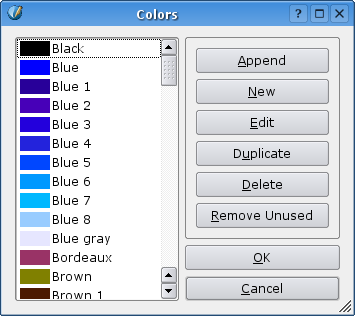
- Save and export to pdf for reference.
- Open the file and change one of the used colours to white, using the colour manager. (remove, and assign white when asked)
Read More....
|
| submitted by KA.o web team on November 25, 2005 | |
|